> ## Documentation Index
> Fetch the complete documentation index at: https://docs.vaultcord.com/llms.txt
> Use this file to discover all available pages before exploring further.
# Multi-factor authentication
> Use email, 2FA codes, or Security Keys to secure your VaultCord account.
## Email magic link
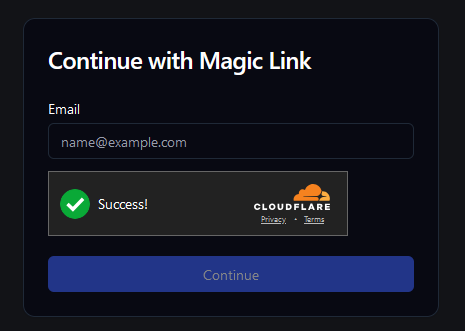
Click the **Magic Link** button on login page to login via email.
 ## 2FA codes
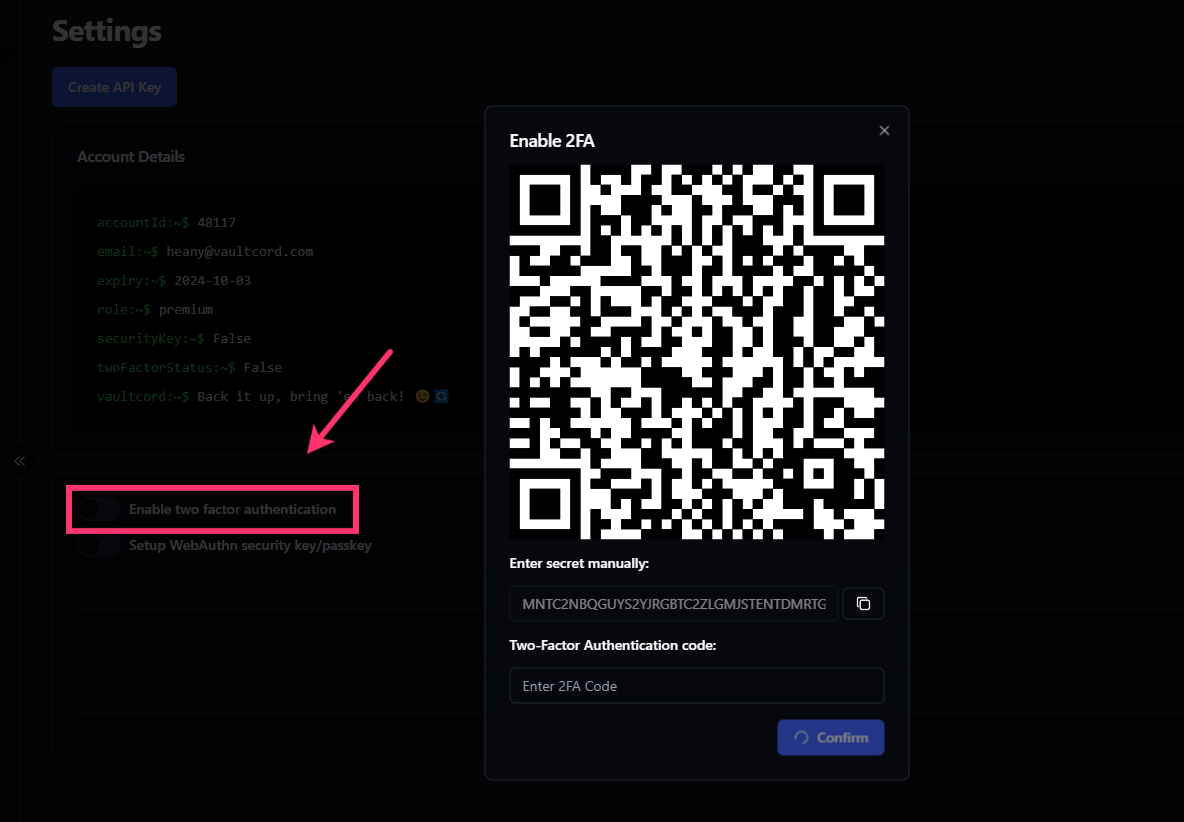
You can tick **Enable two factor authentication** in your account settings to setup 2FA code.
## 2FA codes
You can tick **Enable two factor authentication** in your account settings to setup 2FA code.
 ## Security Keys
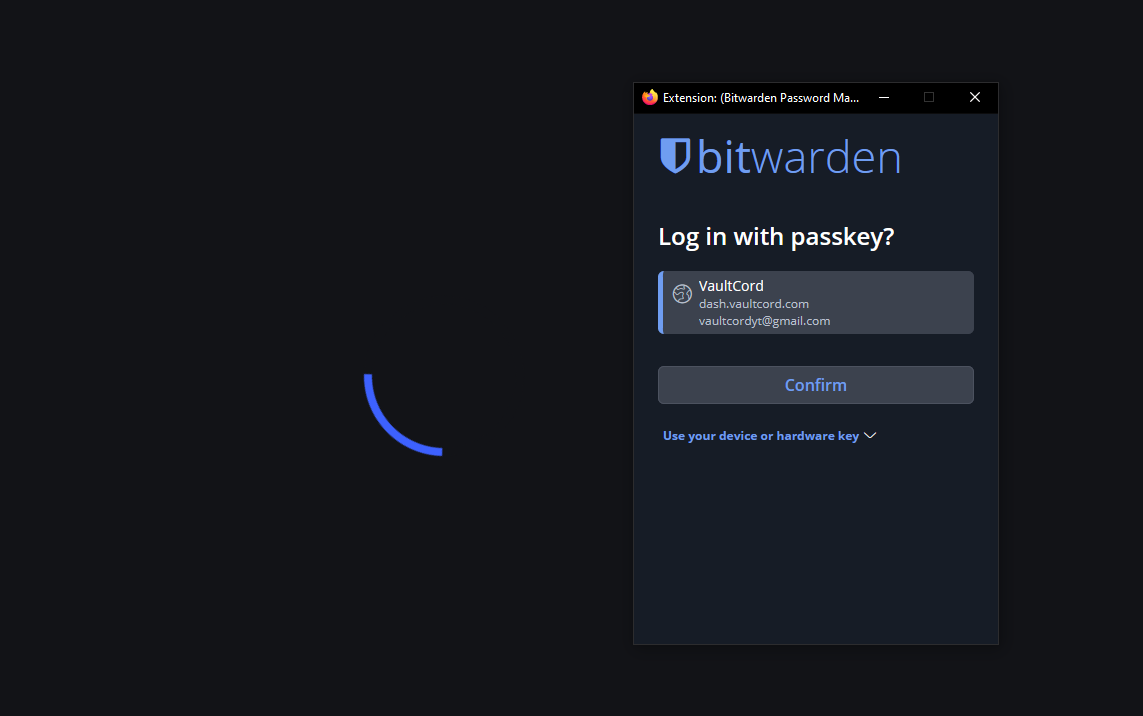
You can tick **Setup WebAuthn security key/passkey** in your account settings to setup security keys.
## Security Keys
You can tick **Setup WebAuthn security key/passkey** in your account settings to setup security keys.
 Success! Your account is now secured.
>
If you have any questions, Feel free to join our [Discord Server](https://vaultcord.com/discord) and ask us anything!
Success! Your account is now secured.
>
If you have any questions, Feel free to join our [Discord Server](https://vaultcord.com/discord) and ask us anything!